✦CarPlay Ultra · Fisker Ocean

CarPlay Ultra.
Now on Ocean.

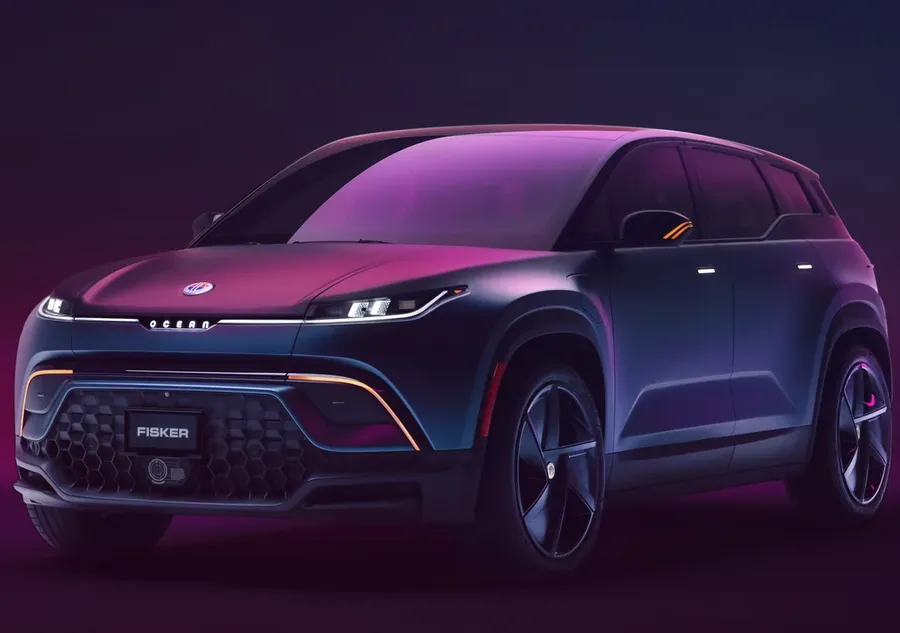
The full-screen, next-generation CarPlay, on the Ocean's 17.1-inch display. Maps, music, climate and the car itself, in one liquid-glass interface.
17.1″Display
1080×1920Pixels
60 HzRefresh
MultitouchMaps
A very exclusive club

Cars on Earth with CarPlay Ultra.

CarPlay Ultra takes over every screen and talks to the car itself. Only one automaker ships it from the factory. CoastPlay makes the Fisker Ocean the second car to run it.

From the factory
Aston Martin
Launch partner. Six-figure price tag.
With CoastPlay
Fisker Ocean
A 17.1″ portrait display, fully multitouch.
The display

Seventeen inches
of CarPlay.

Most CarPlay screens are a letterbox. The Ocean's is a tall 17.1-inch portrait panel, and CoastPlay uses every pixel at full native resolution and refresh rate.

17.1″Center display, edge to edge
1080×1920Native portrait resolution
60 HzSmooth scrolling and map motion
3DMultitouch: pinch, rotate, tilt
CoastPlay settings screen showing car controls and status
1080 × 1920 · 60 Hz
Full-screen CarPlay Ultra
Multitouch Apple Maps

Pinch. Twist. Tilt into 3D.

Real multitouch passthrough, not a single-tap emulation. Zoom with two fingers, spin the map to face your way, and tilt into 3D buildings, just like on your iPhone. Try it below.

Drag to pan · Pinch or ⌃+scroll to zoom · Two-finger twist or ⇧+drag to rotate · Two fingers up/down or ⌥+drag to tilt
zoom 1.00 · bearing 0° · tilt 55°
Pinch to zoom
Rotate
3D tilt
Two-finger pan
Climate controls

Comfort without
leaving CarPlay.

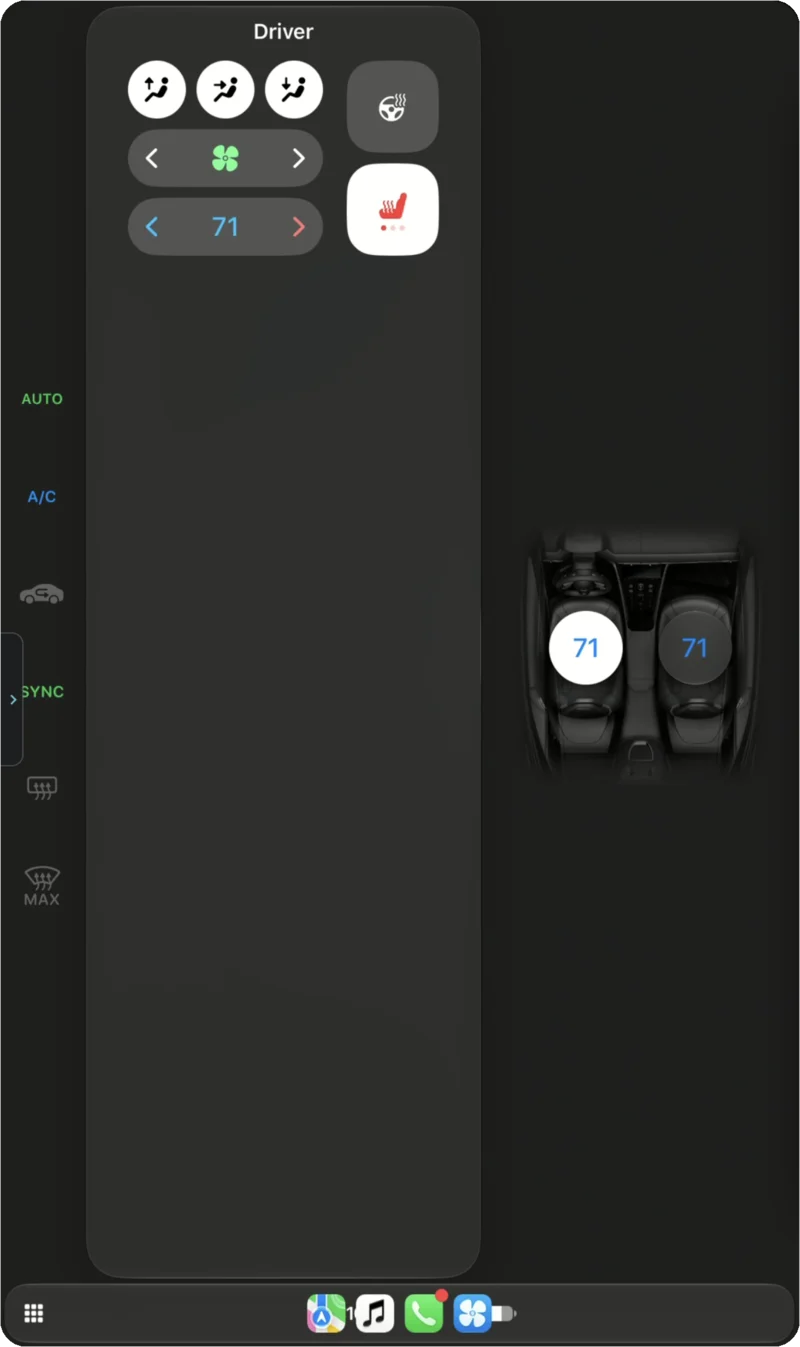
Temperatures, fan, A/C, seat and steering-wheel heat, defrost and recirculation are all in CarPlay Ultra's climate controls and in the dock. Every tap goes straight to the Ocean's HVAC.

  • Dual-zone with Sync. Driver and passenger set separately, or link them.
  • Three-level seat heat and heated steering wheel.
  • Auto, A/C, Max defrost and cabin recirculation, one tap each.
AUTO
71
SYNC°F
71
Driver climate panel with seat heat and dual-zone temperature on the Ocean's display
Liquid-glass climate controls over the CarPlay home screen
Car controls

Your Ocean,
one tap away.

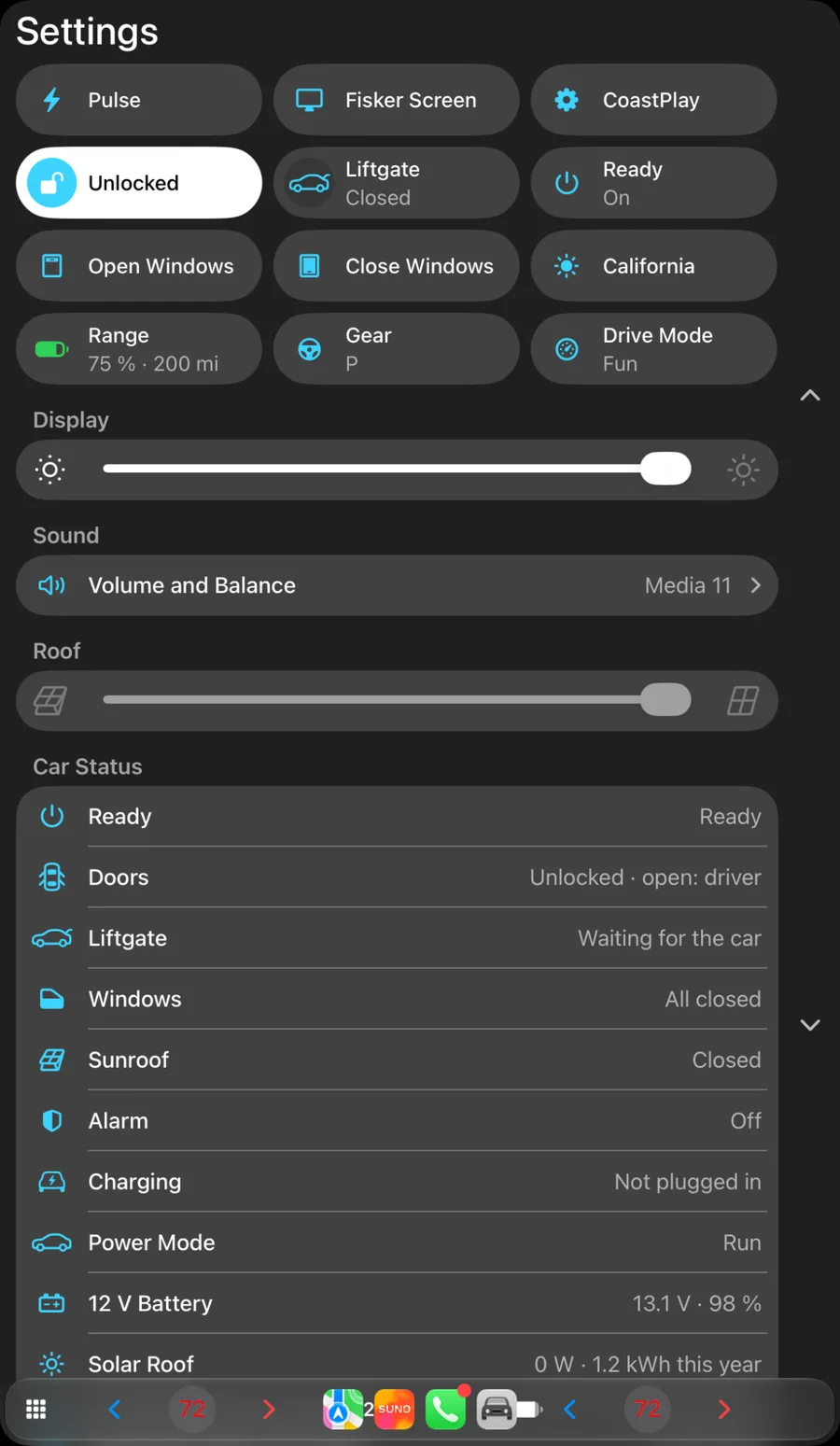
Locks, windows, liftgate, sunroof, drive modes and display brightness are all in CoastPlay's glass control center, right next to your music.

  • Lock, liftgate and windows with live state from the car.
  • Drive modes: Earth, Fun and Hyper.
  • Sunroof and brightness sliders, plus a full car status list.

Settings

Closed
80 %
DoorsUnlocked · all closed
WindowsAll closed
SunroofClosed
Drive modeFun
Car feedback

The car talks back.

Speed, range, charge state and the 12-volt battery stream from the Ocean into CarPlay in real time. Nearby chargers are filtered to the ones your car can actually use.

Speed
65
0mph
EV range
200mi
Battery 75 %Efficiency 3.1 mi/kWh
12 V battery
13.1V · 98%
Compatible chargers nearby
Coastline Plaza CCS1
350 kW · 4 of 6 free
2.4 mi6 min
Seaside Market CCS1
150 kW · 2 of 4 free
3.9 mi9 min
Bayview Supercharger NACS · adapter
250 kW · 9 of 12 free
5.1 mi12 min
Solar roof
142 WCharging now · 1.2 kWh this year
Power mode RunCharging Not plugged in
Automatic appearance

It knows when the sun sets.
And when you hit a tunnel.

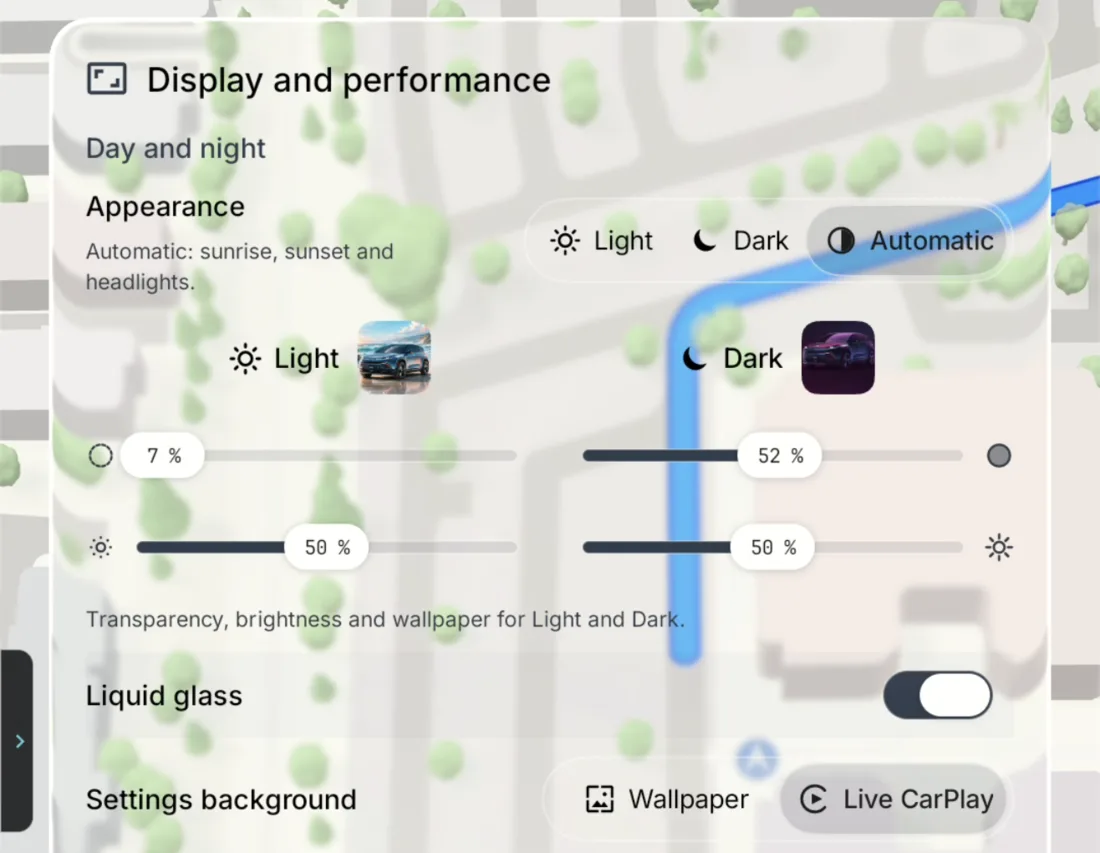
Light and dark mode switch with local sunrise and sunset, and with your headlights. Drive into a tunnel or a parking garage and the screen goes dark and dims right away. Brightness and wallpaper are set separately for each mode.

12:00
Sunrise 6:48 · Sunset 18:12
☀︎ LightHeadlights offBrightness 80%
00:0023:59
12:005G ▮▮▮
Night DriveNow Playing
71°
CoastPlay display settings: automatic appearance, per-mode transparency and brightness, liquid glass toggle
iOS 27 design

Liquid glass,
everywhere.

Menus, docks and controls are made of the same liquid glass as iOS 27. They bend and blur the live map and album art behind them. You can tune the transparency for each appearance, or switch it off.

Live CarPlay background

Settings float over the running CarPlay screen instead of a static wallpaper.

Per-mode tuning

Separate transparency, brightness and wallpaper for Light and Dark.

Built for the car

Tuned for contrast in direct sun and at night with no glare.

drag me
Drag the glass. It bends what's behind it.
Getting started

Up and running
in a minute.

1

Install CoastPlay

Download the APK and install it on the Ocean's display.

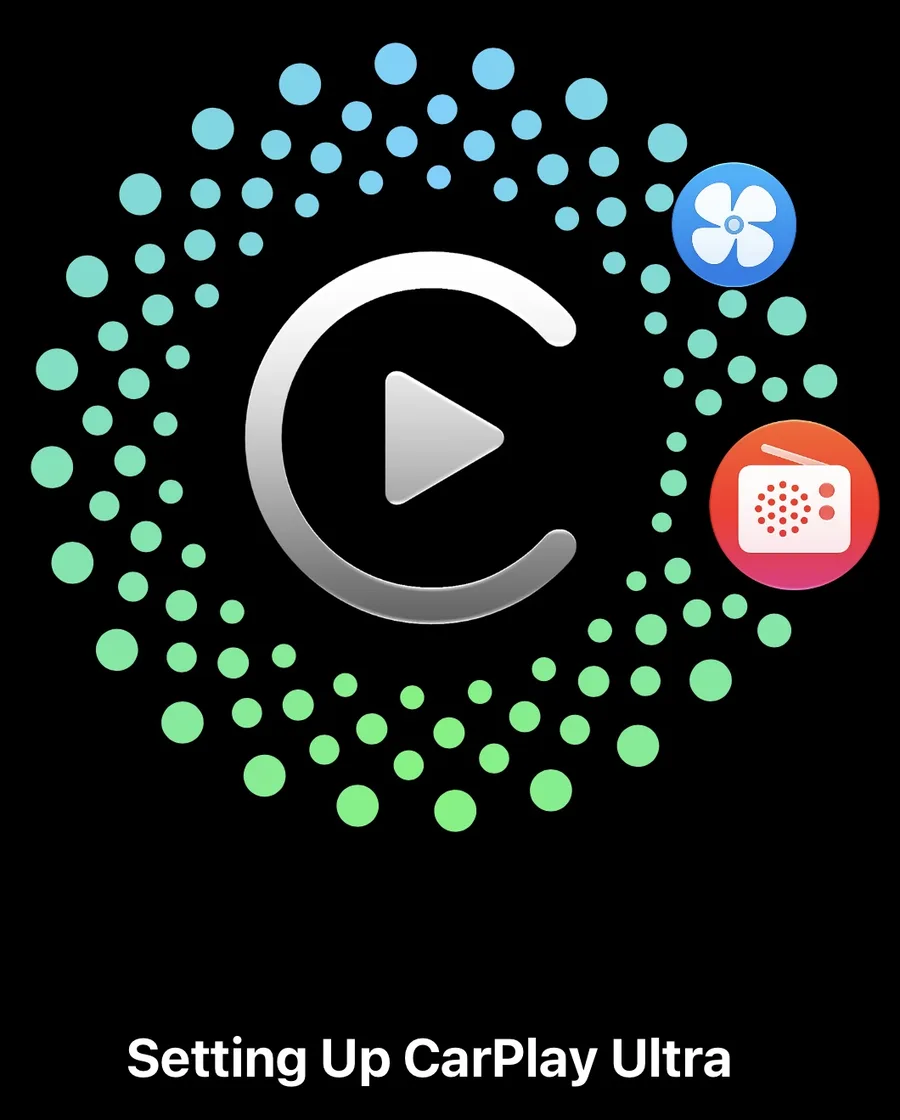
iPhone screen: Setting Up CarPlay Ultra
2

Connect your iPhone

Your iPhone recognizes the Ocean and sets up CarPlay Ultra, climate and radio included.

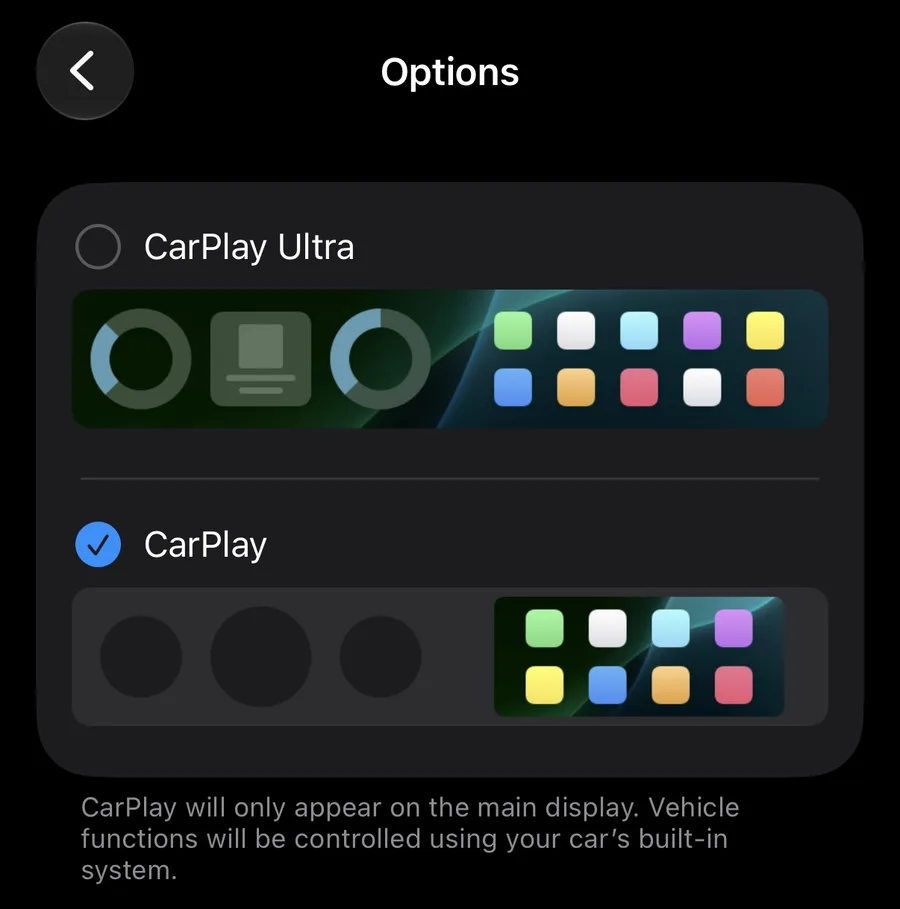
iPhone CarPlay options: CarPlay Ultra or CarPlay
3

Choose Ultra

Pick CarPlay Ultra in your iPhone's CarPlay options, and the whole screen is yours.

CoastPlay for Ocean.

CarPlay Ultra on the Fisker Ocean.

Download APK
Android APK·8.7 MB·Fisker Ocean
Contact

Say hello.

Questions, bug reports, feature ideas, or a photo of CoastPlay in your Ocean? Send a message.